
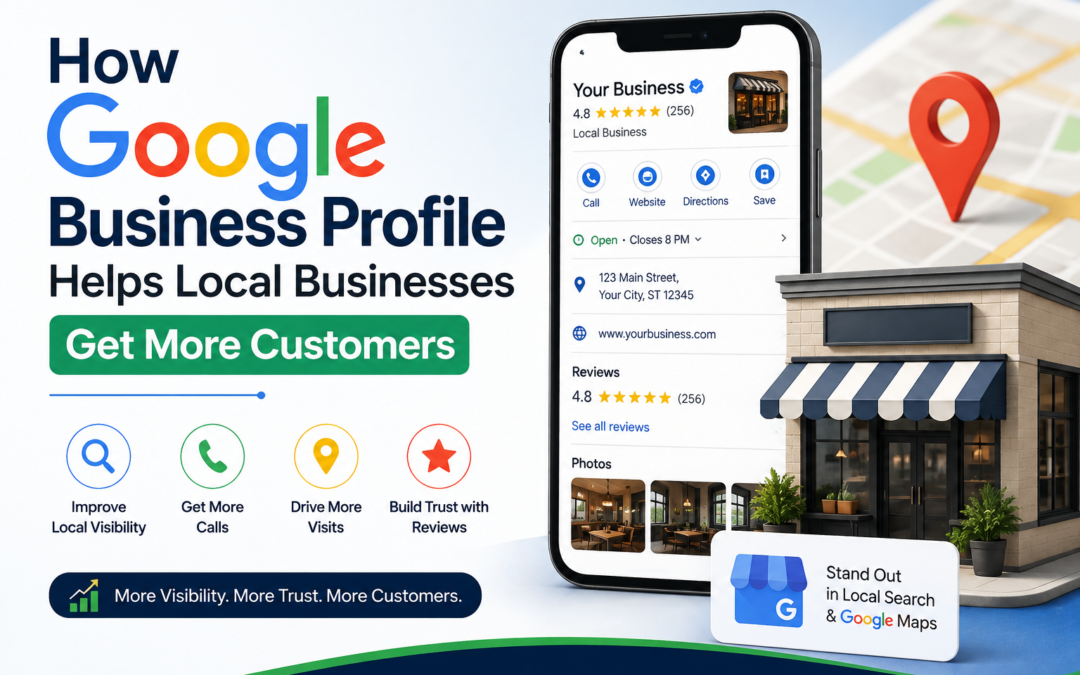
Local customers search online before they ever walk through your door. Google Business Profile puts your business in front of those searches at the exact moment someone needs you. In my experience working with local business owners, a well optimized profile changes how customers find, trust, and choose a brand.
This guide by SerpNexa Digital breaks down how Google Business Profile helps local businesses attract more customers, improve their online visibility, and generate more leads. You’ll find practical steps, common mistakes to avoid, real statistics, and proven pro tips you can apply today to strengthen your local SEO strategy.
What Is a Google Business Profile?
Google Business Profile, formerly known as Google My Business, is a free tool from Google. It lets business owners manage how their business appears on Google Search and Google Maps. Owners add their address, phone number, hours, photos, categories, and services.
A complete profile gives customers instant answers. They see reviews, directions, and contact details without leaving the search results page. This convenience shapes buying decisions long before a customer visits your website.
Why Local Businesses Need Google Business Profile Optimization
Local search drives real foot traffic and real revenue. Google reports that businesses with complete profiles are far more likely to receive requests for directions and website clicks than incomplete listings. BrightLocal’s Local Consumer Review Survey found that most consumers check Google before visiting a local business for the first time.
This shift means Google Business Profile optimization is no longer optional. It sits at the core of any local SEO strategy, alongside tools like Google Search Console, Google Analytics, and citation platforms such as Moz Local or Yelp.
A local bakery I worked with added photos, categories, and weekly posts to its profile. Within two months, calls from the profile doubled. That kind of result is common when owners treat their profile as an active marketing channel instead of a static listing.
How Google Business Profile Helps Local Businesses Get More Customers
Increased Local Visibility
An optimized profile helps your business appear in the Local Pack. The Local Pack is the map and three-listing block shown for local searches. Ranking here puts you ahead of competitors who skip this step entirely.
Trust Through Reviews
Reviews build trust fast. Customers read star ratings before they call or visit a store. Responding to reviews, both positive and negative, shows customers you care about their experience. It also signals ongoing activity to Google’s ranking systems.
Direct Customer Actions
Your profile includes buttons for calls, directions, and website visits. These buttons remove friction from the buying process. A customer can act in seconds instead of searching further for your contact details.
Insights and Analytics
Google Business Profile gives free performance data. Owners see how customers found their listing and what actions they took next. This data helps refine marketing decisions without paying for extra tools.
Local SEO Strategy: Making GBP Work Harder
A strong local SEO strategy combines several profile elements working together. The table below shows how each one supports customer growth.
| Profile Element | Customer Impact |
| Business Description | Explains services and builds search relevance |
| Photos and Videos | Increases requests for directions and click-throughs |
| Categories | Helps Google match your listing to search intent |
| Posts | Keeps the profile active and current |
| Q&A Section | Answers common customer questions upfront |
| Reviews | Builds trust and supports higher rankings |
Consistency matters too. Your business name, address, and phone number should match across your website, social pages, and other directories. Inconsistent data confuses Google and can quietly hurt your rankings over time.
Common Mistakes Businesses Make with Google Business Profile
Many owners set up their profile once and forget it. This is a costly mistake. Google favors active, regularly updated listings over static ones.
Other common errors include:
- Leaving the business description empty
- Choosing the wrong primary category
- Ignoring negative reviews instead of responding
- Uploading blurry or outdated photos
- Skipping the Q&A section entirely
I have seen businesses lose ranking simply because they stopped posting updates for months. Google Business Profile SEO rewards consistent activity, not a one-time setup.
Pro Tips to Optimize Your Google Business Profile
Add fresh photos every month. Listings with more photos receive noticeably more engagement than those with only a handful of images.
Use your primary keyword naturally in the business description. Avoid repeating it too often. Write for customers first and search engines second.
Reply to every review within 48 hours. Fast replies show both customers and Google that the business stays active and attentive.
Post weekly updates about offers, events, or new services. Regular posts keep your profile fresh in Google’s eyes and give customers a reason to check back.
Track your Google Business Profile insights every month. Use that data to adjust your local SEO strategy as customer behavior shifts. You can find more tactics in our complete local SEO checklist for small businesses.
For official setup guidance, refer to Google’s own Google Business Profile help center which explains verification steps and eligibility in detail.
Get a Free Google Business Profile Audit
Not sure how your profile stacks up right now. A quick audit shows exactly what is holding your listing back and what to fix first. Get a free Google Business Profile audit today and get a clear action plan for more local customers.
FAQs
How do I optimize my Google Business Profile?
Complete every section of your profile. Add accurate business hours, categories, photos, and a clear description. Post updates regularly and respond to all reviews. This combination improves both visibility and customer trust.
What is a local SEO strategy?
A local SEO strategy is a set of actions that help a business rank higher in local search results. It includes Google Business Profile optimization, consistent business listings, local keywords, and customer reviews.
How do I get more customers from Google Business Profile?
Keep your profile complete and active. Add photos, respond to reviews, and post updates weekly. Use the direct action buttons, such as call and directions, to reduce friction for customers who are ready to buy.
Does Google Business Profile help with SEO?
Yes. A well optimized profile improves local search rankings. It signals relevance and activity to Google, which helps your business appear in the Local Pack and in Google Maps results.